

How do I send a letter of demand from ServiceM8?
- Connect ServiceM8. Sign in to SydneyCollect with your email, then approve read-only access in ServiceM8.
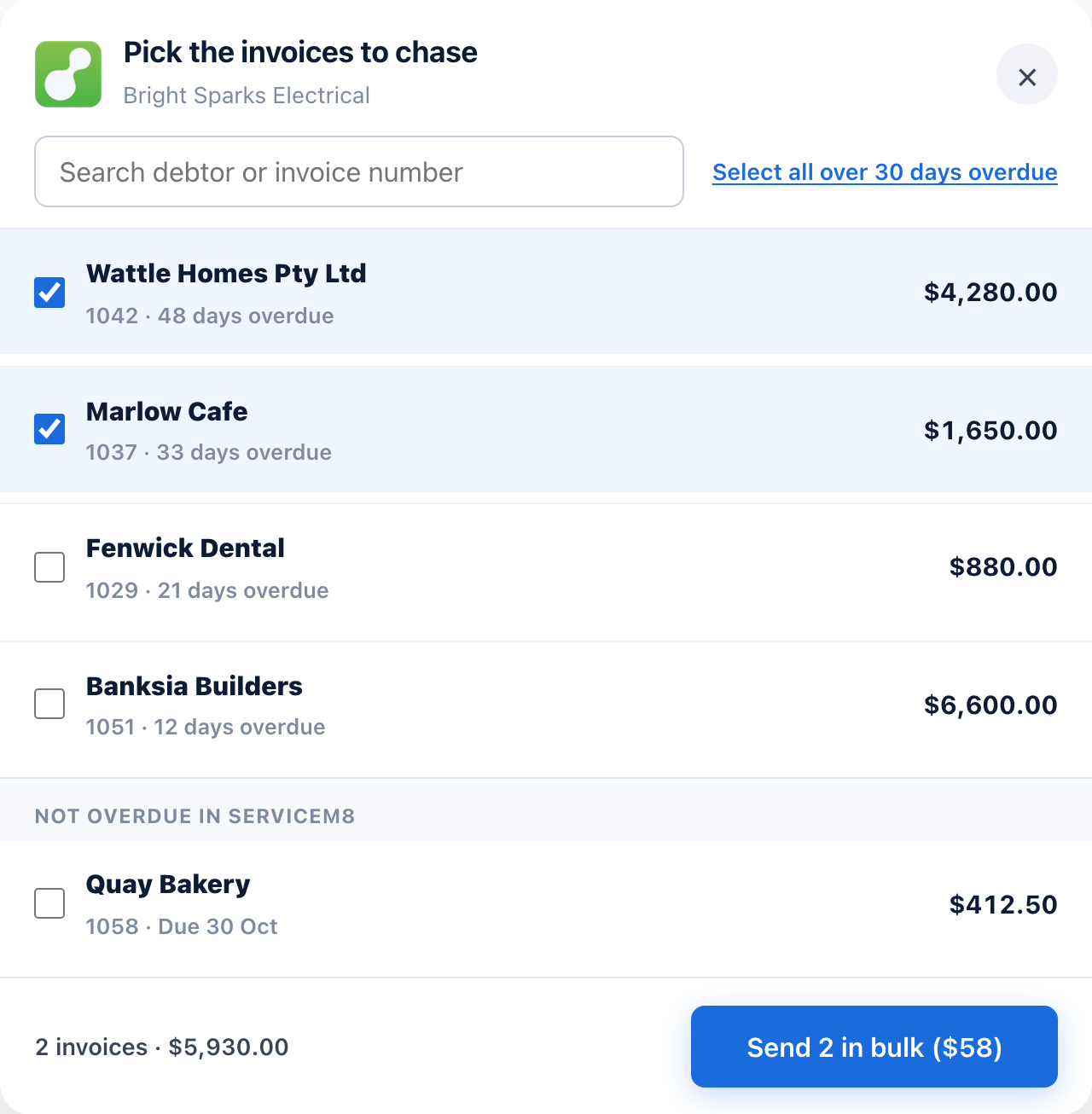
- Pick the jobs. Every invoiced job that isn't paid is listed, overdue ones first, with the client, the job number and what's still owing after any payments.
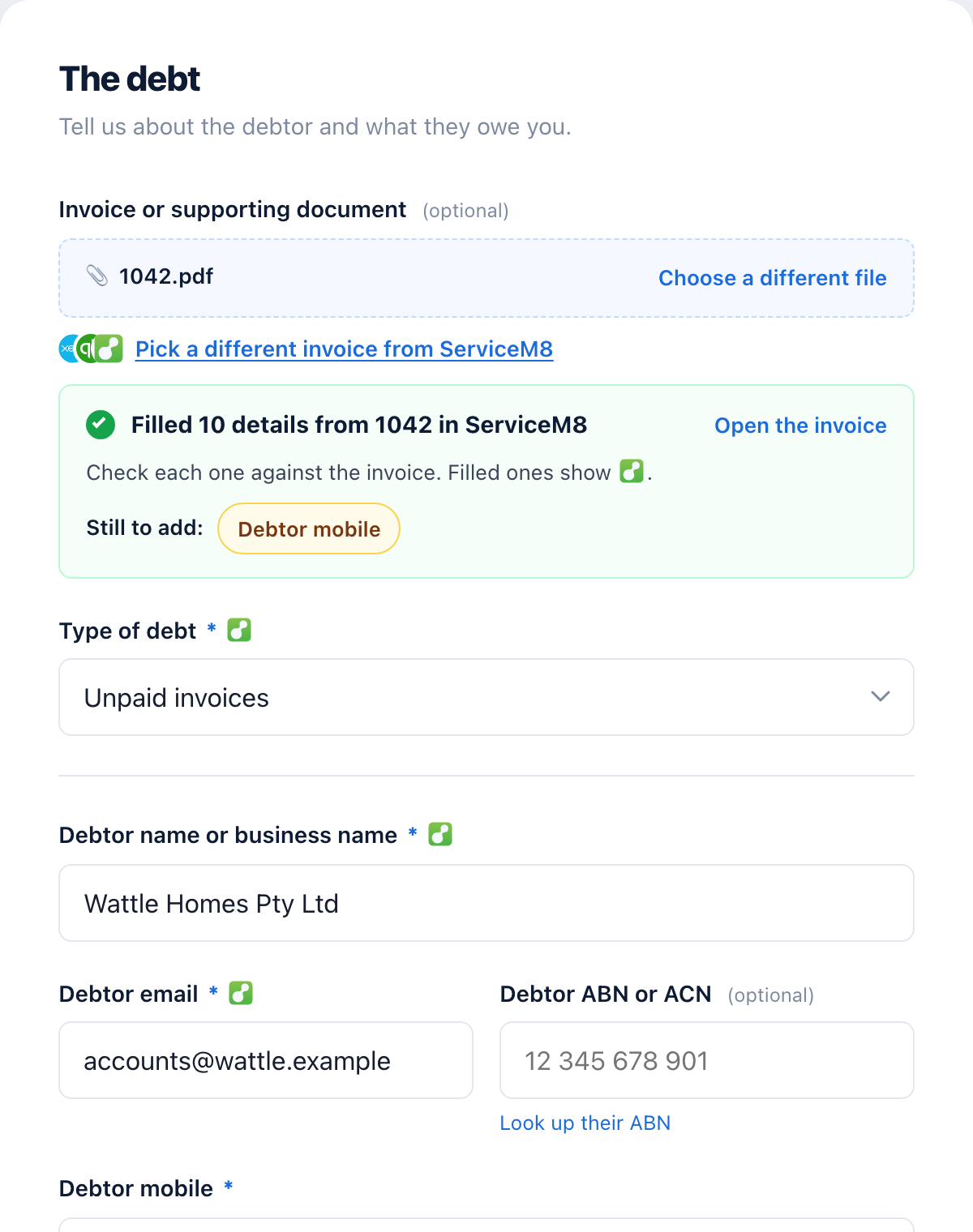
- Check the letter. The client, the amount owing, the job number and the due date are filled in from the job, with the invoice attached. Add your bank details once.
- Pay and send. $29 per letter. It goes to your client today.
- We watch the job. When the job is marked paid in ServiceM8, the follow-ups stop and we ask you to confirm.
What do we read from ServiceM8?
| What we read | What it's for |
|---|---|
| Jobs | Invoiced jobs that aren't paid: the job number, the invoice date and amount, and the work done |
| Job payments | Payments and deposits on the job, so the letter asks only for what's still owing |
| Clients and contacts | The client's name, ABN and billing address, and the billing contact's email and mobile |
| Job attachments | The invoice PDF on the job, to attach to the letter |
| Your account | Your business name, ABN, email and payment terms |
Read only. We can't create, change or delete anything in ServiceM8. We keep only the jobs you send letters for, and we never use your ServiceM8 data to train AI. Sydney Collect is made by Aus Paid Pty Ltd, not by ServiceM8. Our privacy policy says how we look after it.
Which customers can you send to?
Customers in NSW, Victoria, Queensland and the ACT. You can be anywhere in Australia: what matters is where your customer is. Jobs for clients in WA, SA, Tasmania or the NT still show in the list, marked as ones we can't send, because we aren't licensed to collect debts there. Our free letter of demand generator lets you send one yourself.
Where does the due date come from?
From the client's payment terms in ServiceM8, or your account's terms, when they read as days, like "14 days" or "30 days EOM". If they don't, the job still shows, and you add the due date on the letter.
How do I disconnect?
Open your dashboard, go to Account, and press Disconnect beside your ServiceM8 account. You can also remove Sydney Collect from your add-ons in ServiceM8. Letters already sent carry on, but we won't see payments in ServiceM8 any more.